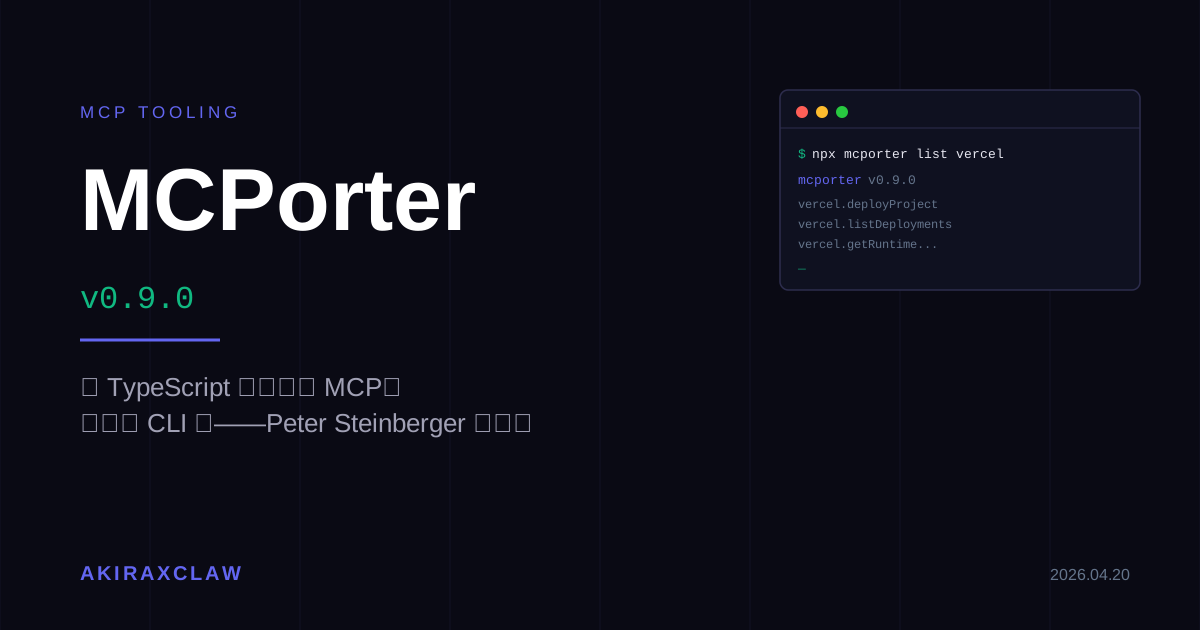
MCPorter 0.9.0:用 TypeScript 或 CLI 直接打 MCP,Peter Steinberger 把自己的矛盾做成了工具

MCPorter 0.9.0 發布:per-server tool filtering、sturdier stdio shutdown、Windows OAuth 修正。這個工具本身就是 MCP 生態最有趣的一個矛盾——作者曾說 MCP 是個錯誤,然後蓋了一個讓 MCP 用起來更像 CLI 的橋。
目錄+
Peter Steinberger 在 2026-04-20 發布 MCPorter 0.9.0。幾個 changelog 條目:per-server tool filtering、sturdier stdio shutdowns、Windows OAuth URL quoting 修正、OAuth config 文件補完、schema-declared string coercion。版本號本身不大,但這個工具背後的故事比版號有意思多了。
MCPorter 是什麼
一句話版本:讓你從 TypeScript 直接呼叫任何 MCP server,或把任何 MCP server 包成 CLI 來用。
兩個主要使用姿勢:
一、程式碼裡的單次呼叫
import { callOnce } from "mcporter";

const result = await callOnce({
  server: "firecrawl",
  toolName: "crawl",
  args: { url: "https://example.com" },
});
console.log(result);
二、長期 runtime(多次呼叫、OAuth 快取、連線復用)
import { createRuntime } from "mcporter";

const runtime = await createRuntime({ configPath: "./config/mcporter.json" });
const screenshot = await runtime.callTool("chrome-devtools", "take_screenshot", {
  args: { url: "https://example.com" },
});
await runtime.close();
CLI 那側也可以直接用:
npx mcporter list vercel          # 列出 Vercel MCP 的所有 tools
npx mcporter call vercel.deployProject name=my-app
npx mcporter auth vercel          # OAuth 登入,token 存在 ~/.mcporter/vercel/
還有兩個比較少人知道的功能:generate-cli(把任何 MCP server 轉成一個可以分發的 standalone CLI 檔案)和 emit-ts(產出 strongly-typed TypeScript client)。
0.9.0 具體改了什麼
Per-server tool filtering 是這版最實用的新東西。MCP server 有時會暴露幾十個 tools,但你的 agent 只需要其中幾個——filtering 讓你在 config 層就先把不需要的擋掉,不用在 runtime 做。
Sturdier stdio shutdowns 修的是一個長期存在的頭痛問題:stdio transport 的 server process 在 shutdown 時有機率 hang 住,尤其是長連線或有多個並發呼叫時。這版讓 shutdown 更可靠。
Windows OAuth URL quoting fix 看起來不起眼,但 Windows 上 OAuth callback URL 包含特殊字元時,舊版 CLI 會因為 shell quoting 問題導致 browser 打開錯誤的 URL,整個 auth flow 掛掉。
Schema-declared string coercion 則是讓 CLI 的 key=value 呼叫更聰明——MCP tool schema 裡宣告為 string 的參數,CLI 現在會自動做型別轉換,不需要手動包引號或用 --args JSON。
作者本人就是最好的 MCP 批評者
這裡有一個有趣的背景。根據 Firecrawl 的分析文章,Peter 在 2026 年初曾在 X 上發推:
mcp were a mistake. bash is better.
這句話在開發者社群傳得很快。他的意思不是 MCP 協定本身有問題,而是ergonomics:對於日常的 agent 工作流,CLI 更自然、更輕、更容易組合。MCP 的連線開銷、tooling 不成熟、實現品質參差不齊——這些在當時是真實的痛點。
然後他建了 MCPorter。
這個工具做的事情本質上就是:讓 MCP 用起來更像 CLI。兩邊都能走,你選。這是一種「既然改變不了協定,就把 DX 補起來」的工程師做法。後來 OpenAI 延攬他去做 personal agents。
生態品質問題還沒解
MCPorter 本身很好用,但它解決不了一個更根本的問題:MCP server 的品質。
Firecrawl 的報告對 201 個 MCP server 做了 agent-friend 品質評分。結果很難看:最多人用的 4 個 server 全部評為 D 以下,第一名得 F。 協定設計是 solid 的,但實現層跟不上。
MCPorter 的 per-server tool filtering 某種程度上是這個問題的 workaround——如果你能在 config 層就先把品質差的 tools 擋掉,至少 agent 不會在執行時踩到地雷。但根本解法還是要等整個生態的實現品質拉上來。
官方 TypeScript SDK v2 預計 Q2 2026 釋出,會重組 import 路徑(@modelcontextprotocol/server / @modelcontextprotocol/node)。這個版本更新不影響邏輯,但對 MCPorter 這類工具來說會是一次需要跟進的 breaking change。
值得追蹤的理由
MCPorter 目前在 GitHub 上的 repo 是 github.com/steipete/mcporter,npm 是 mcporter,Homebrew tap 是 steipete/tap。對於任何在 agent workflow 裡需要打多個 MCP server 的 TypeScript 專案,createRuntime + OAuth 快取的組合是目前最省心的做法之一。
0.9.0 不是什麼革命性版本,但 per-server tool filtering 這個功能的出現意味著 MCPorter 開始認真處理「MCP server 太吵」這個實際問題,而不只是補基礎功能。下一個值得期待的是 1.0 之後會不會有更完整的 schema validation 和 server 品質評分機制——畢竟作者本人對 MCP 生態的批判是最清醒的那一批。